
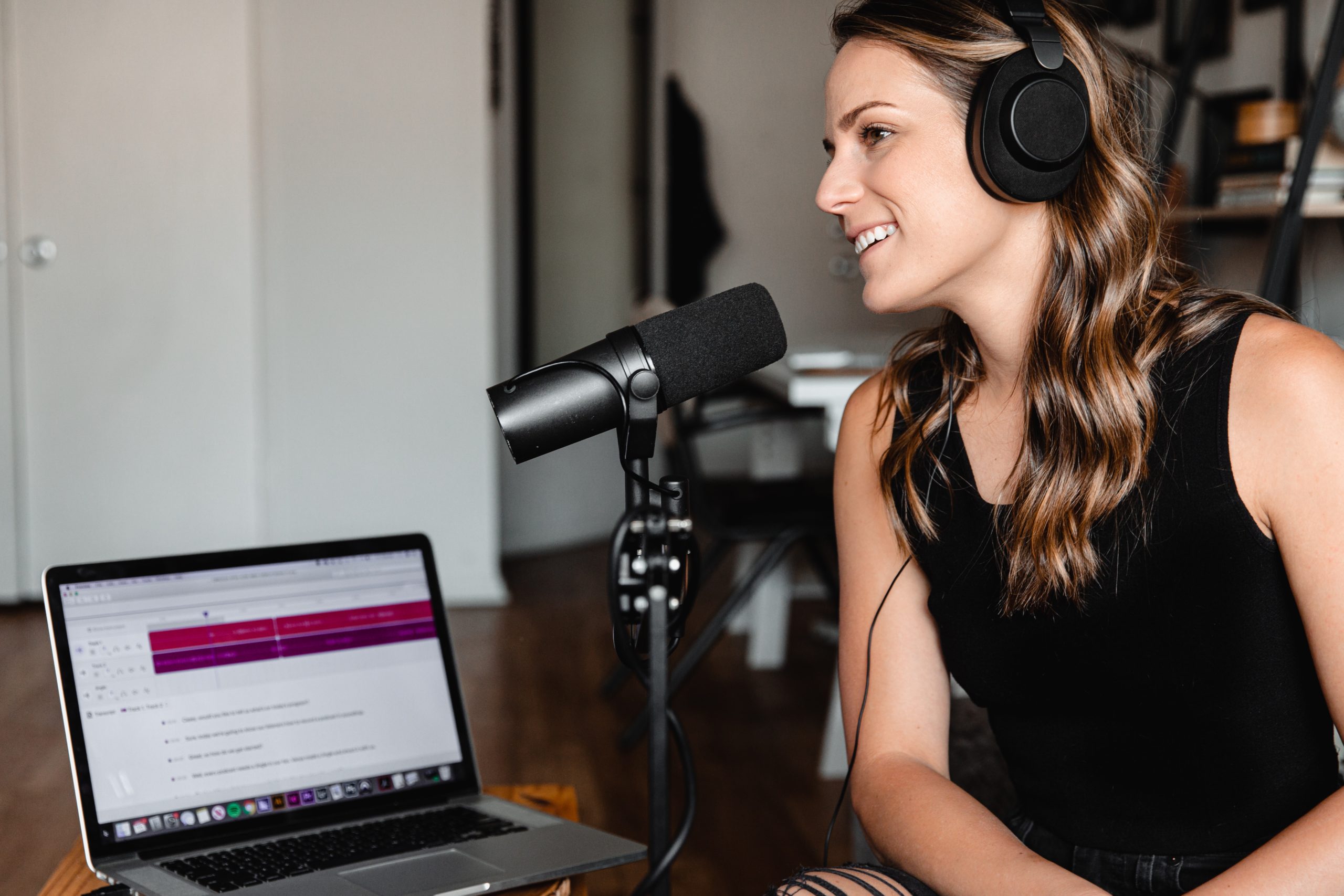
A podcast intro. A bed of sound under a science explainer. A short jingle for the morning announcements. Finding the right music for a class project used to mean searching stock libraries or composing from scratch. AI music tools now let students describe what they want in plain language and create a usable track in minutes.
That speed is useful, but it does not remove the need to use music carefully. Licensing still matters, and so does school or district policy. This primer walks through how AI music for projects can fit into one class period: how to generate it, where it works well, and how to keep basic records so student work can be shared safely.
What AI Music Is, and What It Is Not
Most AI music tools fall into two groups. Text-to-music systems turn a written prompt into an instrumental track. Song generators add vocals and lyrics. In both cases, the output is produced by a model, so the same prompt can produce different results each time. Expect to generate a few versions and choose the one that fits the project.
AI-generated material also has limits as your own property. The U.S. Copyright Office has stated that works whose expressive elements are determined by AI lack human authorship and are not eligible for copyright registration. When AI determines the expressive elements of an output, that material must be disclaimed in a registration application. This is not legal advice, but it is a useful reason to treat AI music as one tool inside a larger student project rather than as a finished work you own outright.
A Quick Safety and Licensing Primer
- AI-determined output usually is not copyrightable on its own. That affects what students can claim as original work and how the piece is credited.
- Commercial rights depend on the tool and the plan. Some platforms grant broader rights only on paid tiers. Read each tool’s current Terms of Service rather than assuming.
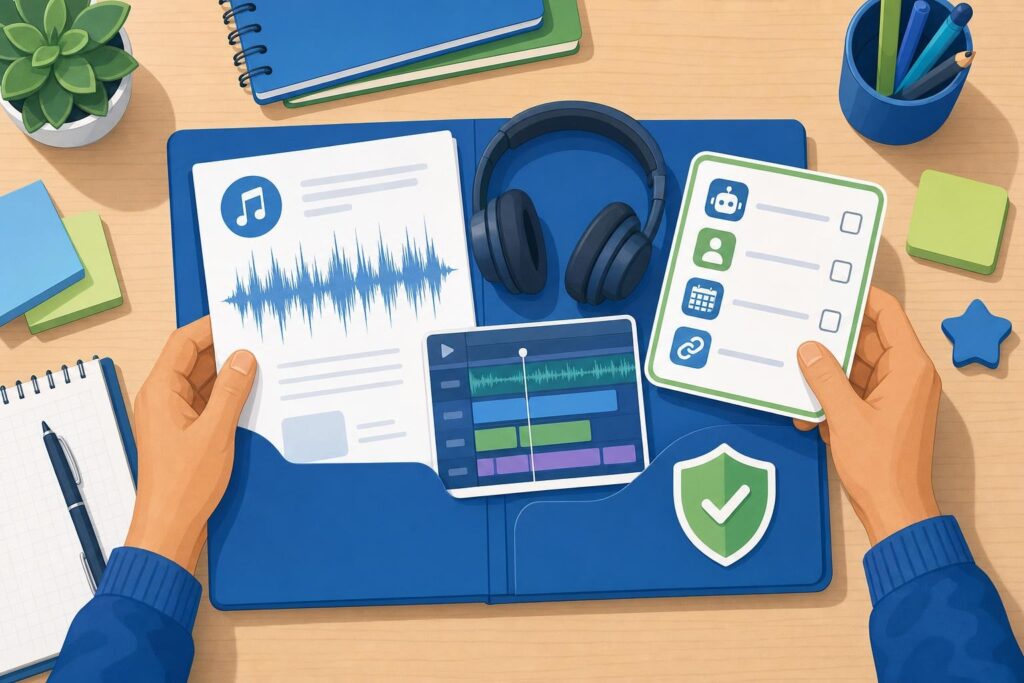
- Keep simple records. Note the tool, plan, date, and a link to the license or Terms for every track used in a project folder.
Follow your district’s technology and media policy before publishing or distributing student work, and avoid prompts that try to mimic a living artist’s voice or signature style without rights. Also distinguish two terms students often mix up: “royalty-free” means you do not pay per use, while “copyright-free” implies no one holds rights at all. Those are not the same thing.
Getting Started in Fifteen Minutes
- Define the use. Decide whether you need an intro bed, a full soundtrack, or a short jingle. The goal shapes everything else.
- Draft a prompt. Name the mood, genre, instruments, energy level, and any structure cues, such as a calm intro that builds.
- Choose a length. Match the track to your edit, often 30, 60, 120, or 180 seconds.
- Generate two to four variations. Listen, then pick the version that sits best under narration.
- Export and level-match. Lower the music so speech stays clear.
- Save a license note. Keep a screenshot of the plan and Terms in the project folder.
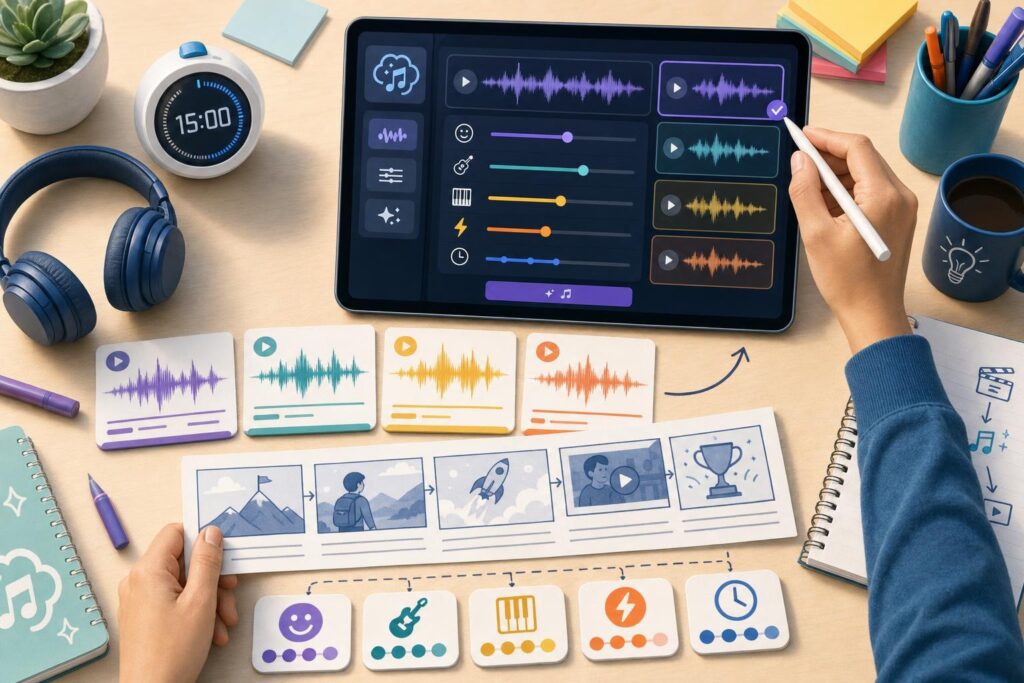
If you want music, visuals, and voice in one place for a class video or podcast, getimg.ai’s AI Music Generator sits alongside its image, video, and voice tools. Its product page says users can set exact durations of 30 seconds, 1 minute, 2 minutes, or 3 minutes and generate multiple variations per run. It also notes that commercial rights for generated music are included on paid plans. With getimg.ai or any similar tool, still verify your school policy before publishing.
Creative Classroom Uses
- Podcast intros and outros for class shows.
- Background beds under science or history explainer videos.
- Language-learning lyric demos using original or public-domain text.
- Rescoring a short silent-film clip to study mood and pacing.
- Slideshow themes for presentations.
- Loop prototypes for a simple game or app project.
- Short stingers for a student public-service announcement.
Better Results, Faster
A few habits raise quality and make student choices easier to grade. Use structure words like intro, verse, chorus, and bridge so the model shapes the arrangement. Add a tempo hint, such as a slow or moderate beats-per-minute range, when energy matters. Avoid naming real artists in prompts. To keep one theme consistent across 30, 60, and 120-second cuts, generate variations from the same prompt and pick takes that share the same mood. Have students write a short reflection on why they chose a track.
Distribution Shortcuts and Fallbacks
When you are unsure about rights, the YouTube Audio Library is a reliable fallback. It provides royalty-free music and sound effects that are copyright-safe for videos and includes an “Attribution not required” filter. Some AI generators restrict streaming releases or registration with a performing-rights organization, so review your plan terms before distributing a track beyond the classroom.
Accessibility and Classroom-Ready Delivery
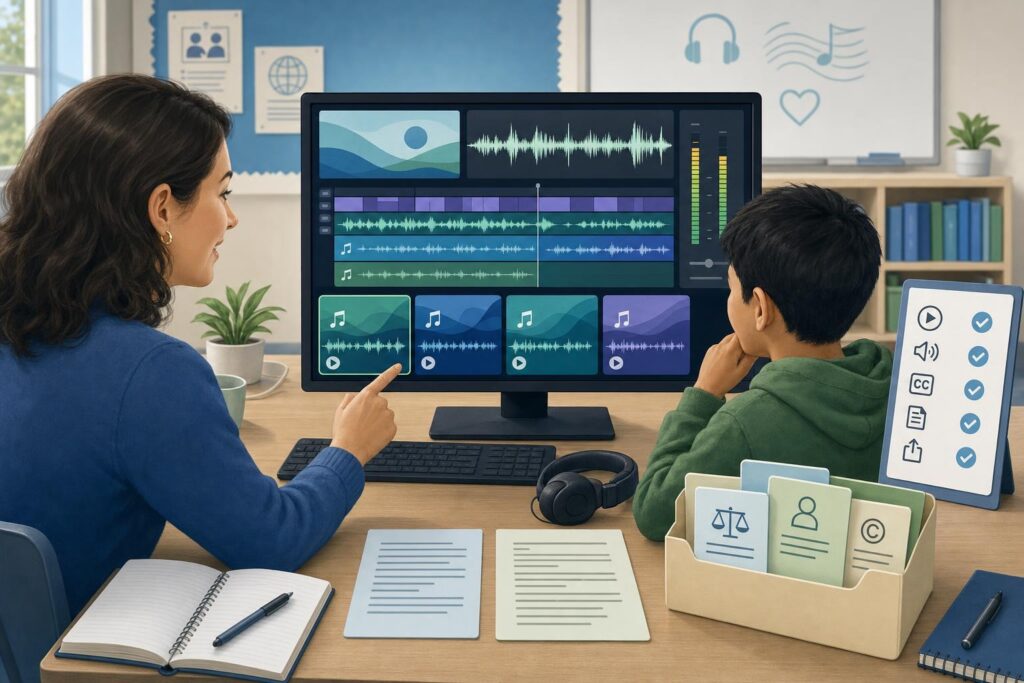
Sound choices affect who can use the final project. Keep background music well under speech so narration stays clear, roughly minus 18 to minus 12 LUFS, and avoid sudden peaks that startle listeners or overwhelm classroom speakers. Provide captions or a transcript for any song that includes lyrics, and add credit lines or license notes in the video description or a slide footer. These small steps make student work easier to follow and easier to publish.
Putting It Together
AI music can take a project from silent to finished in a single class period, but the value comes from how you use it. Iterate until the sound fits, keep records simple, and align with school policy so work can travel beyond the room. An integrated option like getimg.ai is a practical starting point because it keeps music, visuals, and voice in one workspace, while its Terms and your district’s rules still guide publishing. Used this way, the getimg.ai AI Music Generator and similar tools become a quiet part of good storytelling rather than the focus of it.
AI music can take a project from silent to finished in a single class period, but the value comes from how you use it. Like professional content creators who integrate multiple media types into cohesive productions, students benefit from thinking about music as one layer of a larger creative work.