
Growth brings more customers, larger teams, and new locations. It also makes daily operations harder to manage.
Processes that worked for a small team can break under greater volume. Information spreads across spreadsheets, inboxes, messaging apps, and specialized software. Employees create workarounds, while managers spend more time asking for updates and resolving inconsistencies.
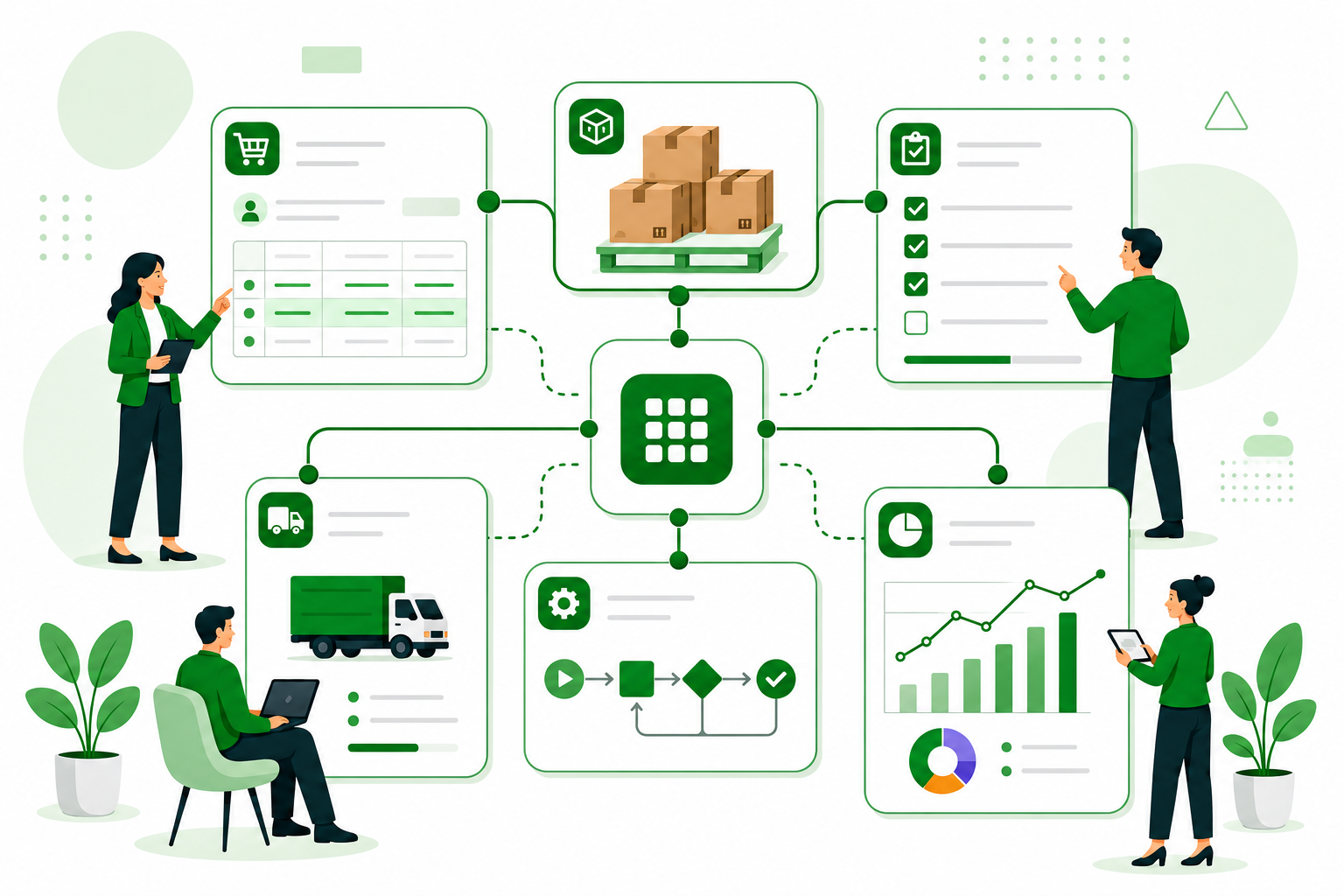
This usually happens when the systems supporting the business no longer match the way it operates. Growing companies need operational systems that adapt to their processes, connect related work, and evolve with the organization.
Growth Changes How Work Moves
Small teams can manage many processes through direct communication. Someone can ask whether an order was approved, check stock availability, or message a manager about a delay.
As the company grows, each process gains more handoffs. A sales order may trigger inventory checks, purchasing, fulfillment, invoicing, and customer communication. A project may involve employees, contractors, documents, approvals, equipment, and deadlines.
Disconnected tools leave employees responsible for moving information between each step. They copy data, send follow-ups, reconcile conflicting records, and maintain separate trackers. A sales order also becomes more than a row in a workbook. It needs related items, files, decisions, activity, and history to stay connected. This is why many teams eventually need to move from spreadsheets to connected operational records.
Signs That the Current System No Longer Fits
Operational strain usually develops through small inefficiencies that become part of the routine.
Common signs include:
- Several versions of the same information
- Repeated data entry across systems
- Routine updates gathered through meetings and messages
- Approvals that are delayed or missed
- Reports that require manual consolidation
- Employees returning to spreadsheets to manage gaps
These issues often mean the company has outgrown its operational structure. Another standalone application may solve one immediate problem while creating a new place where information becomes isolated.
Structure Without Rigidity
Growing companies need consistency. Clear processes reduce errors, simplify training, and help leaders understand performance. The structure still needs to reflect how the company works.
Two businesses may both manage purchase orders while using different approval rules, receiving processes, supplier requirements, and documents. The same applies to projects, inventory items, inspections, work requests, and invoices.
Custom operational systems create a shared structure around these real processes. Teams can define the fields, relationships, statuses, permissions, and workflows they need. The system can then evolve as those requirements change.
Turn Connected Data Into Clear Reports
Reports are most useful when they are built directly from current operational records.
With AnyDB Reports, teams can select the records and fields they need, group information, calculate totals or averages, apply filters, and save reports for recurring analysis. Report results can also be displayed in charts, making trends, comparisons, delays, and other key metrics easier to visualize and understand.
Automation Needs Context
Automation saves time when the process behind it is clear. A company should first identify what starts the workflow, which people and records are involved, what determines the next step, where exceptions occur, and who needs to be notified.
With this context, automation can assign tasks, route approvals, update statuses, send notifications, generate documents, and flag issues that require attention.
An inventory item reaching its reorder point could create a purchasing task. A completed inspection could update an asset and schedule corrective work. An approved quotation could create a project with its related tasks and documents.
Effective workflow automation helps employees act at the right moment and keeps each step visible and accountable.
Connect Internal and External Teams
Operations often extend beyond employees. Customers, vendors, contractors, and partners may need to submit information, review documents, approve work, or check progress.
Sending files and updates through separate email threads makes the process harder to control. Secure client and vendor portals give external participants access to the records and files they need while keeping internal information protected.
This keeps collaboration connected to the process and reduces repeated requests for updates.
Start With One Operational Problem
Companies can begin with one process that creates frequent delays, errors, or follow-ups. This might be inventory tracking, purchase approvals, project delivery, equipment maintenance, compliance records, or order fulfillment.
The team can map the workflow, identify where information becomes disconnected, and create a system around the records and responsibilities involved. Once it works, the company can connect related areas.
An inventory system may begin with items, quantities, and locations. It can later expand to suppliers, purchase orders, receiving, transfers, fulfillment, reports, and alerts. A custom inventory management system supports this gradual expansion without locking the company into a fixed structure.
Ready-to-use business objects can make the first step easier. Project, Purchase Order, Inventory Item, Work Request, and Invoice provide a starting structure that teams can customize and connect around their operations.
Choose a System That Can Evolve
When evaluating operational software, leaders should consider whether it can reflect their terminology, connect departments, support custom rules, control access, and expand into new processes.
Operational needs change as the company introduces products, opens locations, works with new partners, and improves how teams collaborate. The systems behind those processes need to support that change.
When information, workflows, and teams stay connected, employees spend less time reconciling updates, managers gain a clearer view of daily activity, and leaders can improve processes without replacing the entire system.
The right operational system continues to fit the business as its way of working evolves.