
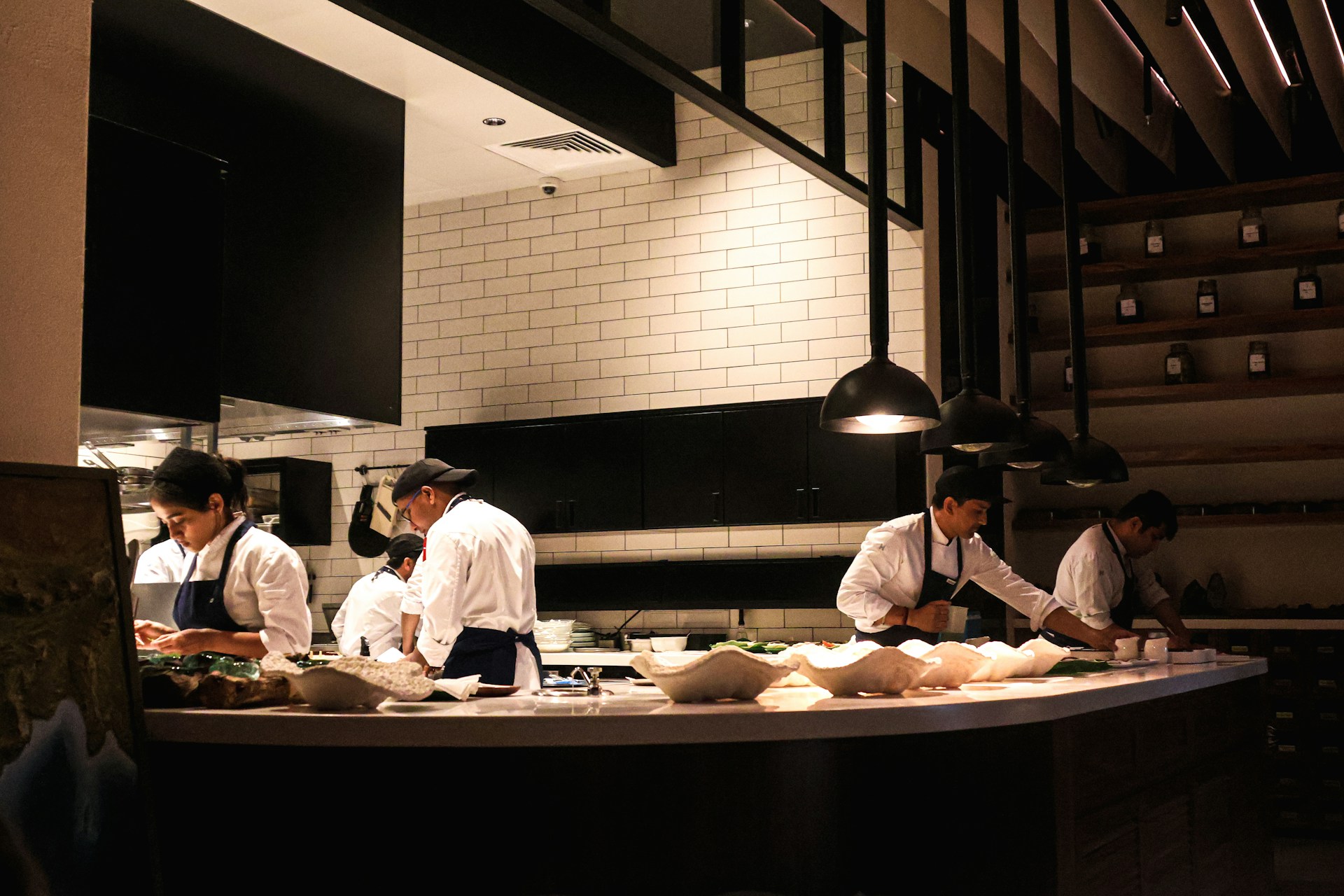
A busy restaurant kitchen can become chaotic quickly due to countless orders coming in from all sides that become difficult to track. That is why many restaurants are looking for simple technology that helps staff move through orders faster without adding another complicated system.
A bump bar is one example. Connected to a kitchen display system (KDS), a bump bar gives kitchen staff a physical set of buttons for managing digital orders without having to navigate a touchscreen with wet or gloved hands. Staff can use the bump bar to select, update, or clear tickets. The National Restaurant Association found that among operators who had added more technology to their restaurants in the previous two to three years, 69% said it made their operations more efficient and productive. Here are four ways a bump bar can contribute to that improvement.
1. Faster Ticket Handling
During a busy service, kitchen staff need to find and update tickets quickly. A bump bar can make those basic actions easier by giving staff controls for moving between ticket pages, changing the ticket in focus, or selecting a specific ticket with numbered buttons.
Staff can then fulfill a complete ticket or, when the KDS supports item-level fulfillment, mark individual items as fulfilled. This can be useful when different parts of an order are ready at different times.
The benefit is not that a bump bar makes food cook faster. Instead, it can reduce some of the effort involved in managing the digital order queue. When staff can quickly select the right ticket and update its status, the workflow can keep moving without unnecessary pauses.
2. Better Coordination Across the Kitchen
Restaurant orders often involve several stations. One cook may handle the grill while another works on sides, salads, or other items. When different parts of the kitchen are working at the same time, keeping tasks and order information organized can help the team stay on track.
A KDS can help by displaying orders digitally and directing relevant information to different areas of the kitchen. A bump bar then gives staff a way to interact with the tickets displayed at their station, such as selecting and updating the work they are handling.
This same focus on connecting different kitchen tasks is reflected in Label Turbo King, which brings tools for areas such as food labeling, temperature monitoring, portion control, compliance, and digital communication together in one connected platform. Rather than relying on separate systems for every task, the approach is designed to give restaurant operators a more centralized way to manage back-of-house operations.
3. Easier Ticket Correction and Control
Not every ticket goes exactly as planned. A ticket might be fulfilled too early, or an item may need to be prepared again after it has already been marked complete. A kitchen workflow needs a simple way to deal with these situations.
Bump bars can support ticket recall and other correction functions on compatible KDS platforms. For example, a recall function can bring the most recently fulfilled ticket back into view. Some systems can also unfulfill selected items, allowing them to return to an active state.
This gives staff more control over the order queue. Instead of treating a completed ticket as permanently finished, they can bring it back when something needs to be checked, corrected, or prepared again.
That can be particularly useful during a rush, when an incorrectly fulfilled ticket could otherwise be easy to overlook.
4. Less Reliance on Paper Tickets
Paper tickets can become harder to manage as order volume increases. Staff may need to sort through a growing number of slips to see what is still waiting, what has been completed, and which orders need attention. Digital kitchen display systems can provide an alternative to paper tickets, giving kitchen teams a centralized way to view and manage incoming orders.
A KDS provides a digital alternative by putting incoming orders on kitchen screens and allowing staff to manage their status electronically. Some KDS platforms explicitly position this as a replacement for paper order tickets, while others can support both digital and printed workflows.
The bump bar fits into this process by giving staff physical controls for navigating and updating digital tickets. That distinction is important. The bump bar itself does not eliminate paper. The broader KDS setup is what allows a restaurant to move away from a paper-based ticket system.
For kitchens already using digital displays, adding a compatible bump bar can make ticket management part of the same workflow instead of requiring staff to rely on separate paper tickets.
The Bottom Line
A bump bar is only one part of a restaurant’s kitchen technology setup, but it can support some important day-to-day tasks. It can help staff handle tickets, coordinate work across stations, correct completed orders when necessary, and reduce dependence on paper-based ticket management.
The key is to consider the bump bar as part of the wider KDS workflow. When the display, ticket routing, and physical controls work together, kitchen staff have a more organized way to manage orders throughout service.